Telo Reports
Reports on your letterhead.
Results entered and authorised on Telo’s workbench, or already authorised in the LIS, print the way the lab prints: department, panel, test, with ranges resolved to the patient’s age.
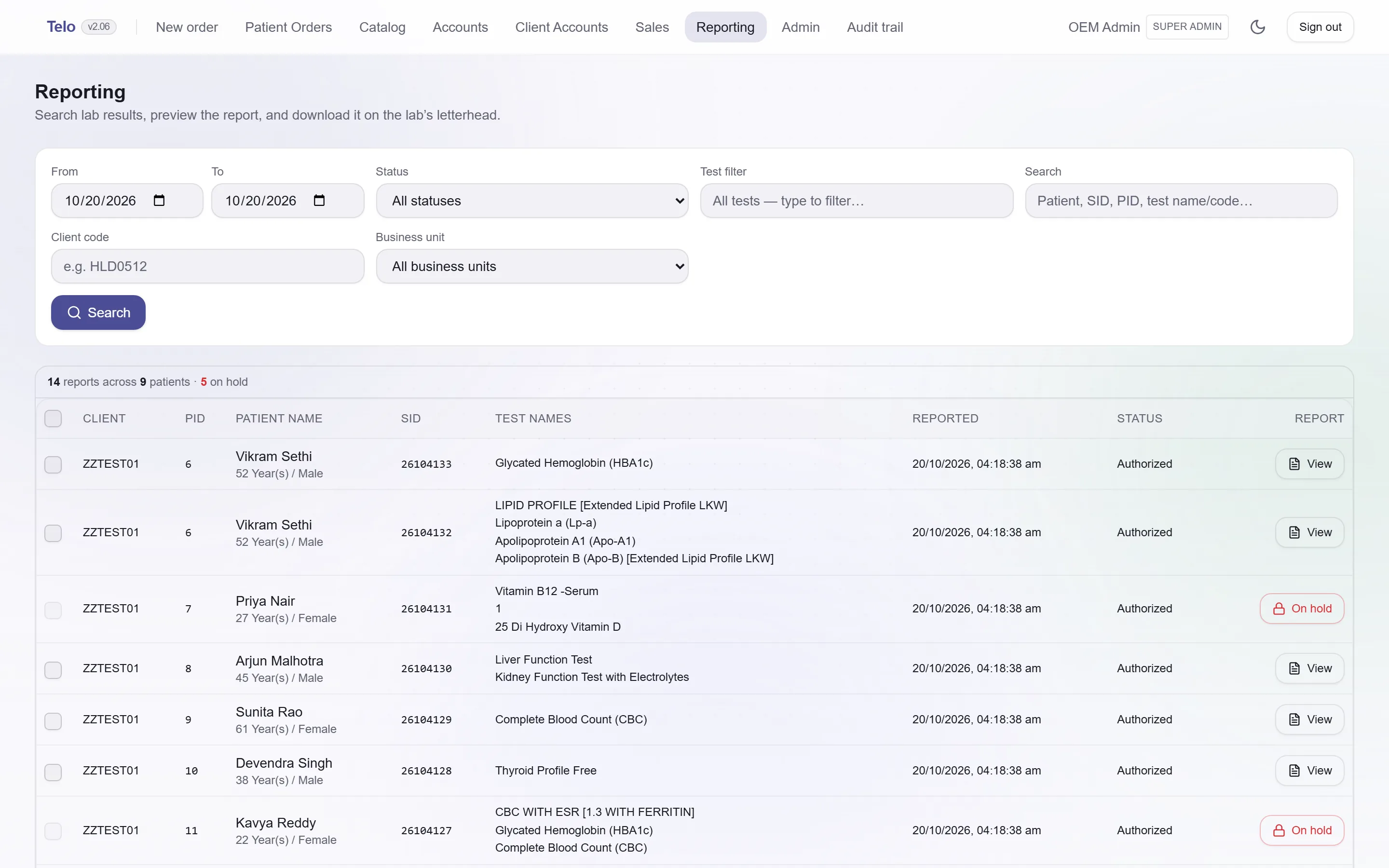
Search what is releasable
Filter by date, status, client, business unit, test or patient. Only fully authorised results appear.
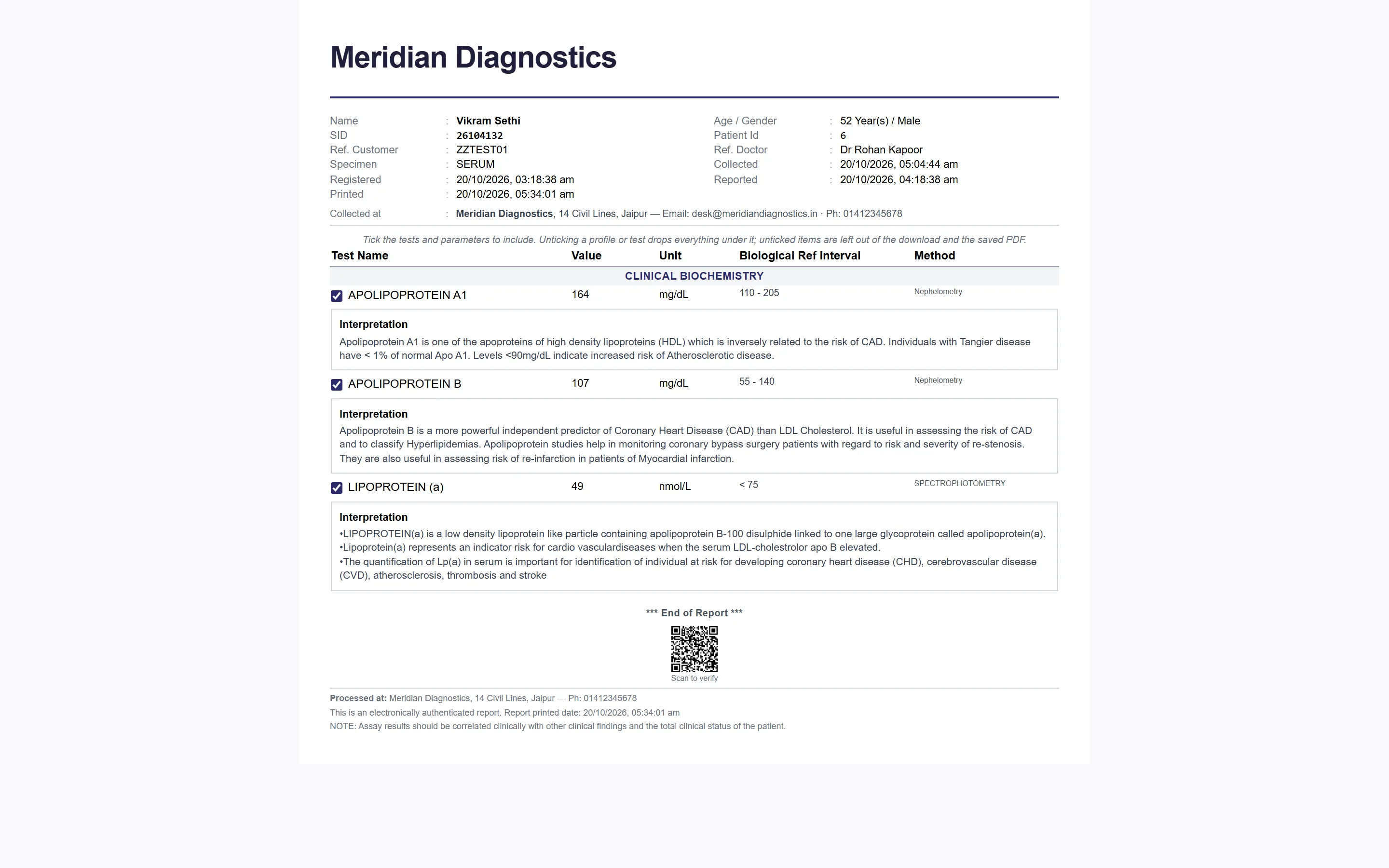
Preview, then print
The formatted report opens in place. Tick the panels to include, then download the PDF on the letterhead, or without it for pre-printed paper.
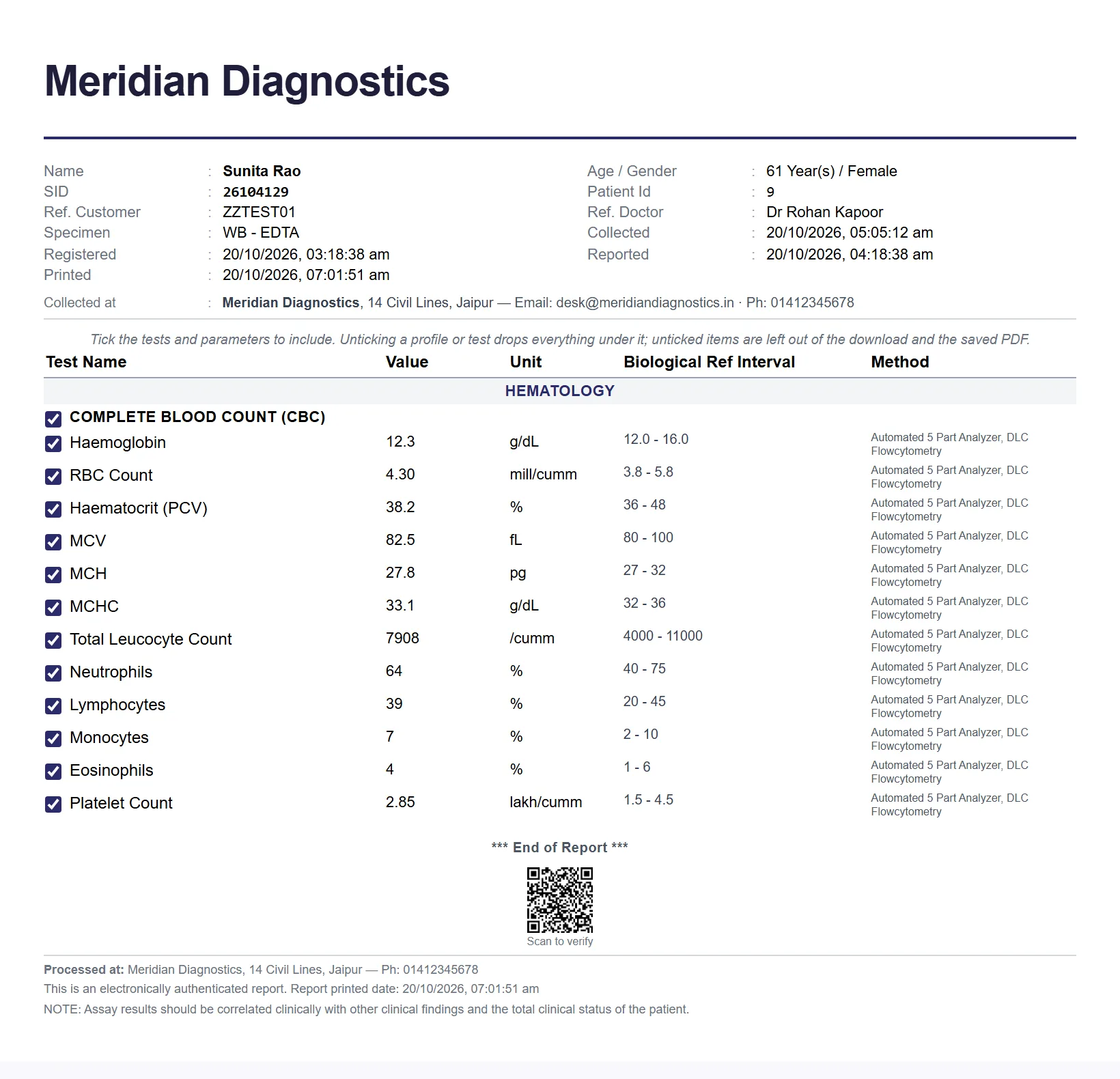
Soft copy for the patient
Every bill carries a QR code to a link that renders the report when it is ready. No login, no app.
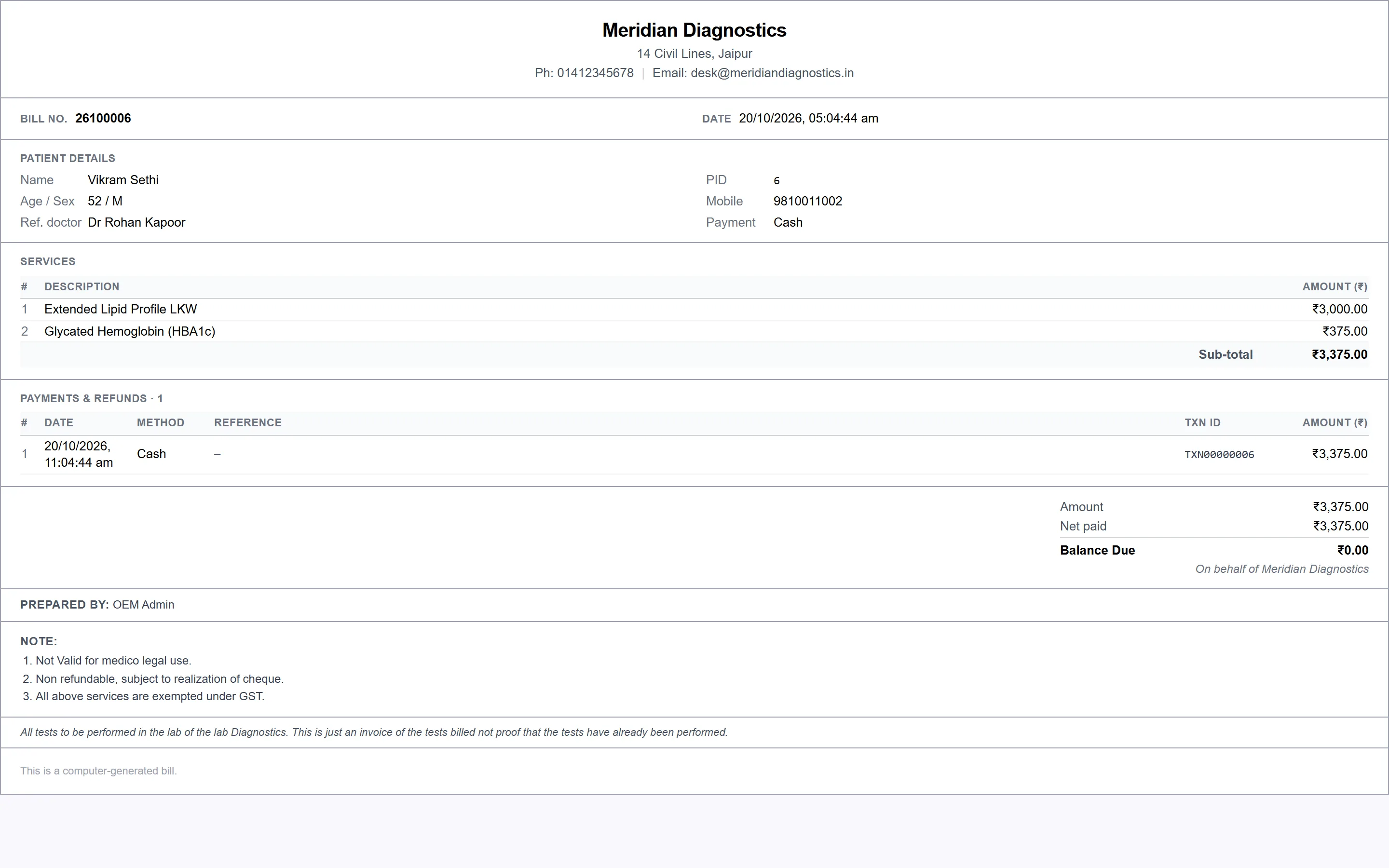
The bill carries the link
The QR code printed on every bill opens the same soft copy. Receipts, refunds and the bill itself print from the counter screen.
See it on your data.